
For a while now there has existed a corner of the gaming world dedicated to playing and emulating retro games. More specifically playing them in handheld consoles resembling a bootlegged GameBoy from China. While nowadays consoles like the AYN Thor or the Retroid Pocket 6 are sleek looking pieces of tech, not very long ago these handhelds looked… Let’s say ‘retro’, but aesthetics didn’t matter in the olden days of emulation handhelds.

The popularity of handheld gaming devices certainly has grown in recent years, picking up gamers looking for a more affordable alternative to the SteamDeck or perhaps wanting to revisit old gaming titles through emulation, in the hopes of giving a breather to their wallets. Or perhaps purely out of nostalgia.
You, dear reader, might be one of these new members of the handheld community. Maybe you came across one of the numerous videos of people showing off their modded or customized AYN Thors playing a game from your childhood. Or maybe playing an older game you’ve never heard of, but just oozing with vibes.
Perhaps you’ve had your eye on this corner of the gaming world, waiting for a console that actually excited you and pushed you to make the investment of buying one. Or maybe, you are like me and you’ve been jailbreaking devices since the olden times of Cydia, downloading GameBoy emulators from questionable ‘repos’ and connecting bootleg controllers to your family computer to play Ocarina of Time.
Whatever your reason may be for joining the retro gaming party, you will very quickly face the problem -or might already be facing it- of decision paralysis. Who could blame you? There are hundreds of thousands of games you can emulate, from old arcade games, to SNES classics and even PlayStation2 all timers. Or so I’ve heard…
Talking about emulation itself can be… a tricky subject. So I won’t be disclosing any information on how to emulate, where to get emulators, where to get the ROMs or any of that. There are plenty of videos and guides explaining that in other places. But be sure to be a good law abiding citizen who doesn’t google websites to download ROMs all wily-nily.
Definitely don’t google emulation starter guides. You wouldn’t download a car, would you?
In this article I want to give you 2 key pieces of advice that I believe will improve your handheld retro gaming experience and keep you from endlessly scrolling through a list of 150+ games you downloaded, only to end up playing a game that doesn’t hit the spot because it looks like the visual representation or rubbing to rocks against each other.
Let’s begin with the most important one: be picky with your games.
LIMITING YOUR CHOICES
When you first get your gaming handheld, you might be tempted to look for websites listing the top 50 SNES games or the best RPG games of all time. That’s fine, it’s fun to look through lists of games and see which ones intrigue you and find games that you didn’t even know existed. It’s amazing how some games can really scratch the nostalgia brain, even without actually forming part of your nostalgic past.
I recommend you create a list of the games you want to play, but be really picky about it. It’s easy to say ‘yeah sure, I’ll play Castle Toads. Looks fun’ to then end up downloading 40 games that you will never play, ‘cos you know, they’re free. But eventually they will just create noise for the games you actually want to play. So be picky with the games you actually want on your list.
Now that you have a nice -probably still pretty long- list of games, pick just 5 to actually download. Yup. You heard me. Only download 5 games that you will actually put on your console to choose from. Fine you can put a few more, but try to not go over 8.
One of the most common things I’ve seen happen to friends with new retro handhelds is that they fill them up with hundreds of games, only to end up having way too many options to choose from, eventually ending up not playing anything at all because how will they know what is the best game for the occasion. It’s me. I have this problem.

But by limiting the games that you actually have on your system, it’s easier to make a choice. You might have a couple of old SNES games, an original PlayStation game, a Nintendo64 game and maybe a couple of GameBoy Advance games. Try to pick games that you’d want to play in different scenarios.
If you’re aiming for quick light gaming during commute or work breaks, maybe pick some handheld games for consoles like GameBoy, PSP or Nintendo DS. If you want games that you can sit down and play for longer stretches of time pick games from home consoles like GameCube or PlayStation.
By limiting your choices to very clear situations and ‘vibes’ you can more easily pick a game whenever you actually have 15 minutes or an hour to sit down and play. There is also an important aspect that might be holding you back and actually playing some of these games: the old graphics.
While for boring uncs like me, playing hard polygonal fantasy RPGs of yore is fun and nostalgic, for someone that never played those games it might just straight up be hard to look at. I get it. But see the thing is, those games were designed to be looked at through different hardware. They weren’t designed for super high quality OLED displays. They were designed for fussy, crummy CRT screens where they looked beautiful. So the next step, we need to get the right ‘vibes’ for the game.
START USING SHADERS
It would be unfair of me to just tell you ‘you’re not getting the vibes man’ and go play games on an actual CRT. Getting your hands on one of those is somehow very hard nowadays. So I’ll try to explain very simply what shaders can do for your gaming experience, because I know they have done a lot for me.
As I mentioned before, most of these retro games were meant to be played on different, older, hardware. Taking things like scanlines, cathode rays and light diffusion -among other boring words- into consideration. Pixelart was created not as a nostalgic style to be seen in 4K, but as a base image that would be blurred and ‘stylized’ when displayed on a CRT or the tiny screen of a GameBoy.
Smarter, more entertaining people have described this better than me in many social media videos -which you might have already seen- so I won’t go into the technical aspect of it all. All you need to know is that when you play a retro game, it will be harder to actually ‘vibe’ with it if it looks like polygon barf, instead of looking like a stylized environment that just so happens to look kinda polygonal.

All throughout social media these comparisons have been getting a lot of attention, showing people how these retro games are supposed to look. But aside from the laborious task of getting an actual CRT and original hardware to play the games, far fewer people seem to be pointing these new retro gamers towards how to get the desired CRT vibes.
If you are using RetroArch to play and emulate games, it is very easy to use shaders. There is a very well written and comprehensive guide to shaders created by Russ from Retro Game Corps that you can find HERE walking you through the basics of how shaders work, how to use them, and some recommendations on which to use for each system.
Different emulators and apps might have their own way of implementing shaders, there are even some games like UFO 50 that let you toggle on a CRT effect. More recently even some Nintendo Switch virtual console apps have added shader options. And if you are playing some slightly old PC games through GameNative, they have also recently added a pretty simple but nice CRT shader option.
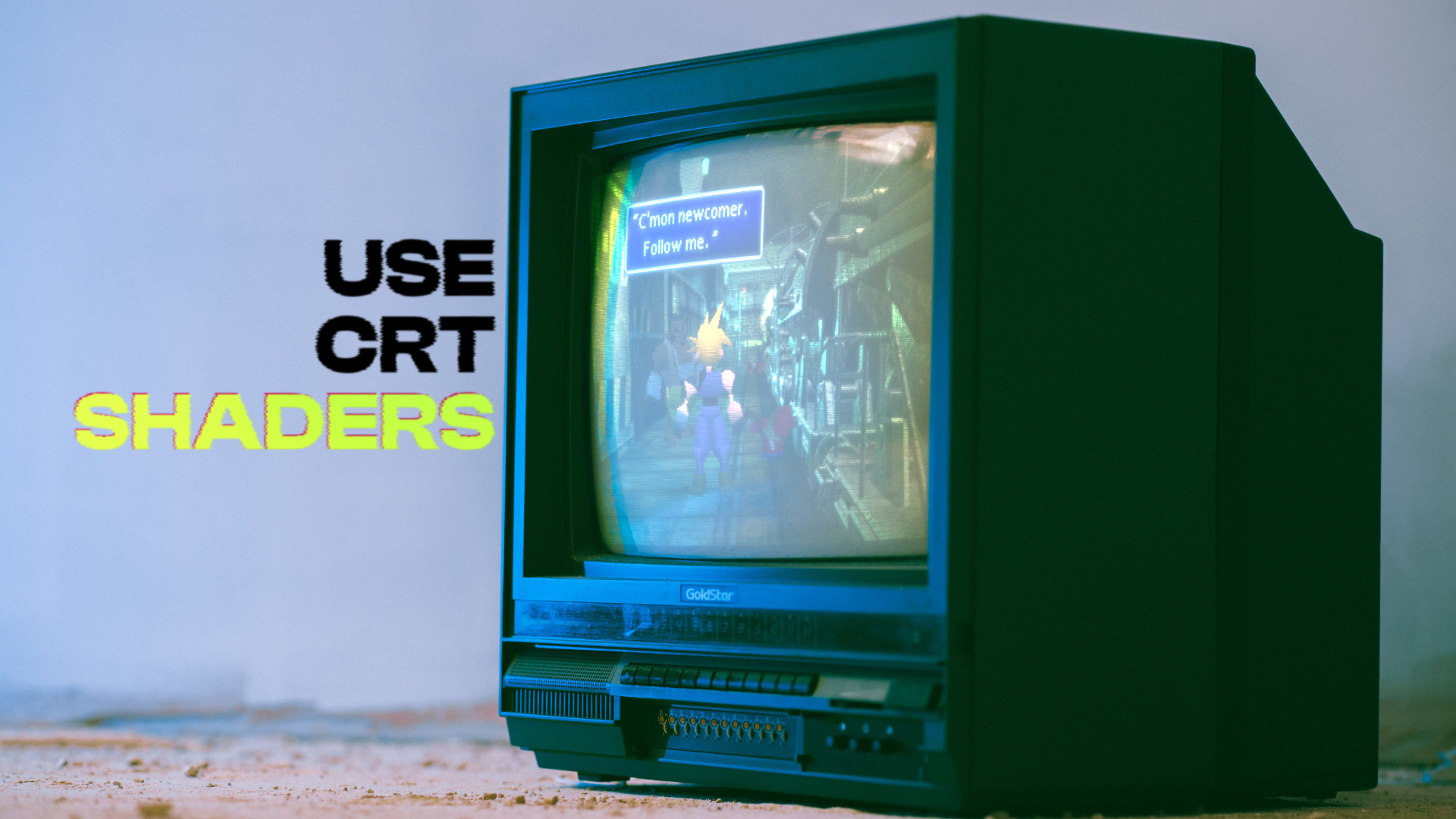
Wherever it is you are playing these old games, chances are that you will have a better experience if you apply shaders or effects to make the game look more stylized. When the Final Fantasy VII Remake was announced I was curious to play the original, as it was a game that I grew up hearing about, but never actually played. When I first tried playing it through an official android port it was rough, then years later I tried playing it through emulation using some nice CRT shaders, and my experience was very different.

The harsh edges and grainy background environments turned into a fuzzy, dreamy fantasy world that was more enticing to look at rather than the old sharp edged 3D models that without the softening effect of a CRT shader, we can safely say they didn’t age amazingly.
As with any topic with retro gaming and emulation, google is your friend. Look up some guides, tutorials, recommendations for shaders set-up, etc. Just know that there is no ‘perfect’ or ‘right’ shader, the right shader is the one that makes the games look good to you. Maybe you’ll find a game that you actually like playing without shaders. Whatever your preferred set-up is, just stop overthinking and go play some games.




Leave a Reply